
Make time for art.
Turn your focus time into a personal art collection.
Made for iPhone, one session at a time.
Your time,
beautifully spent.
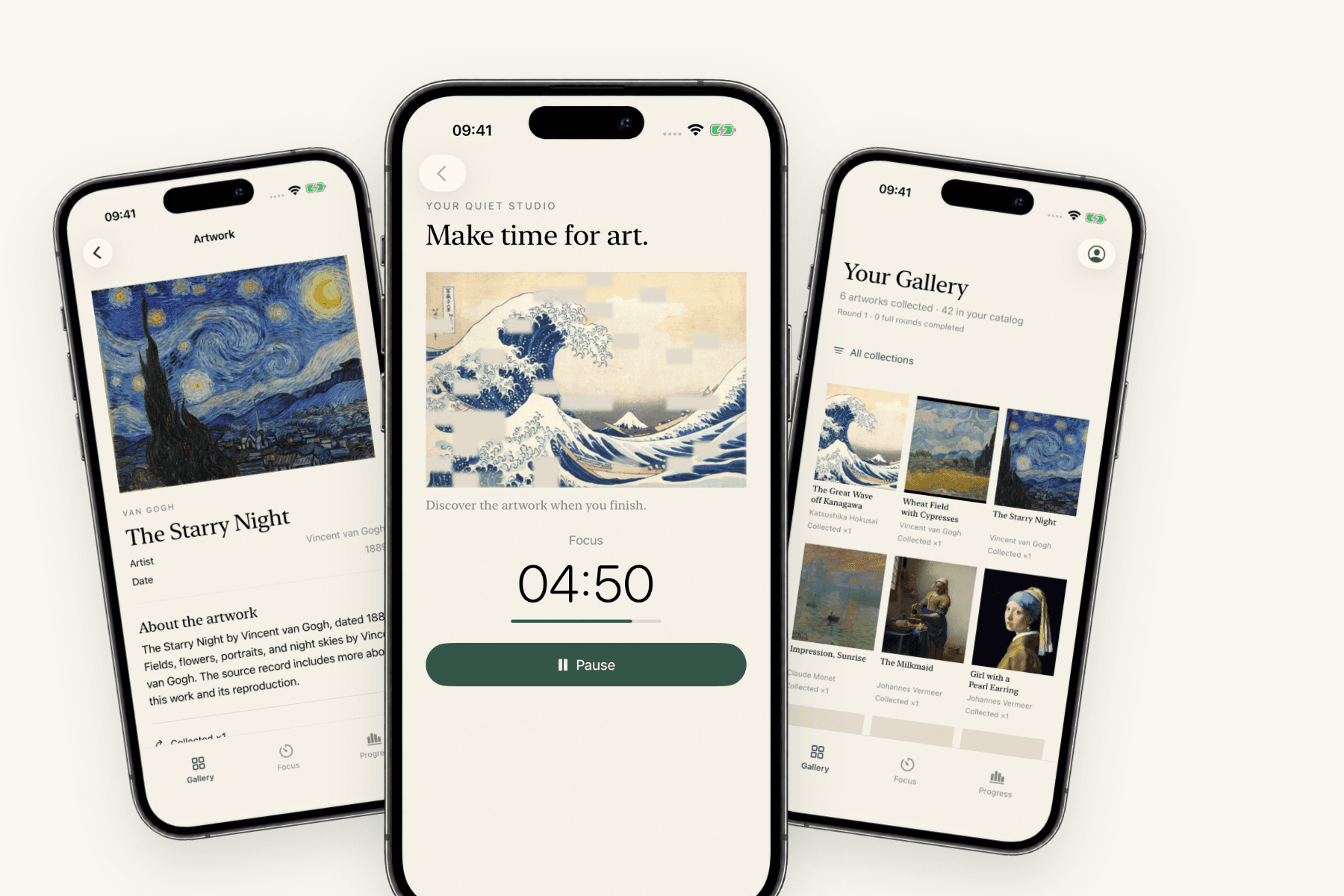
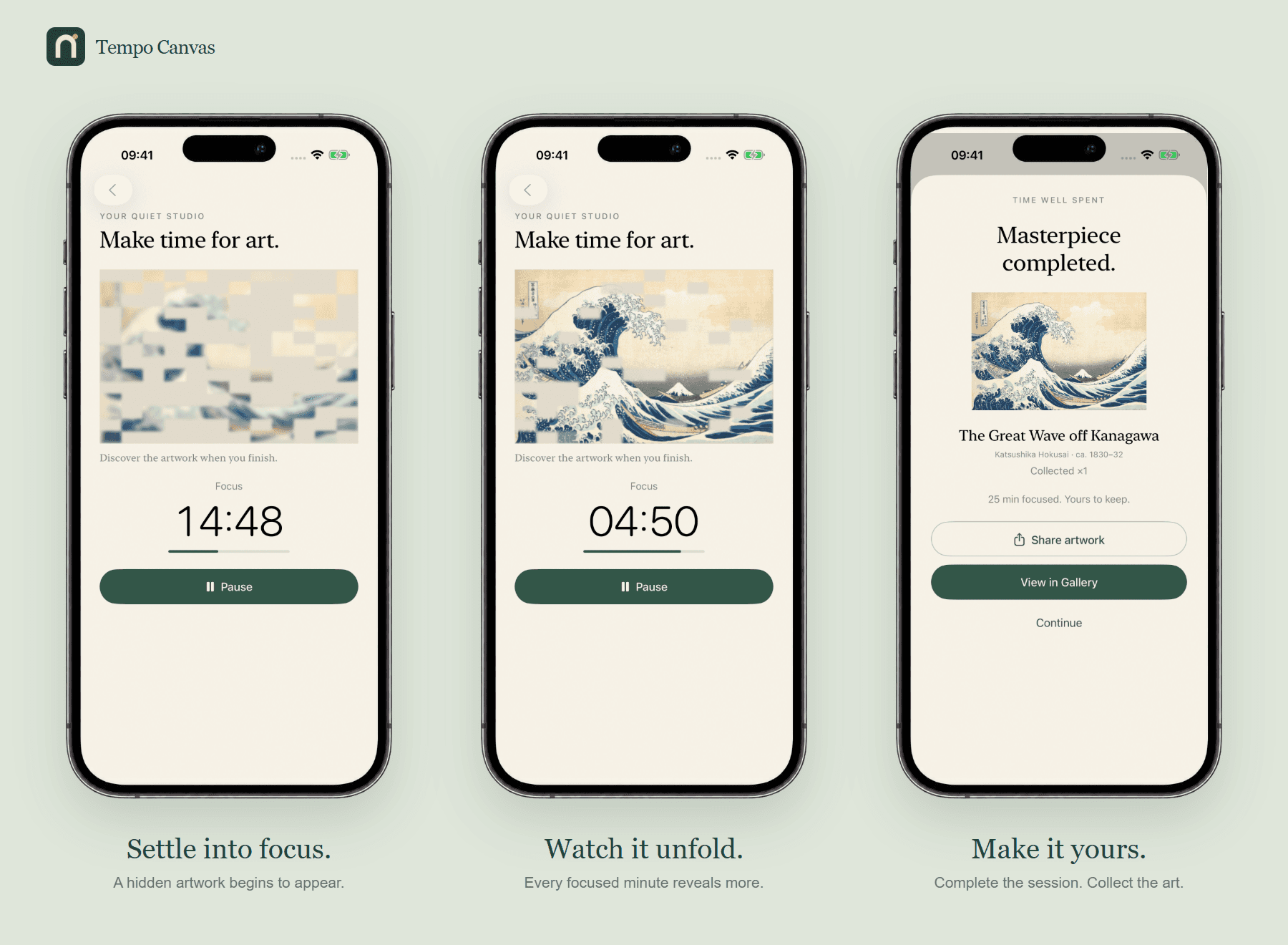
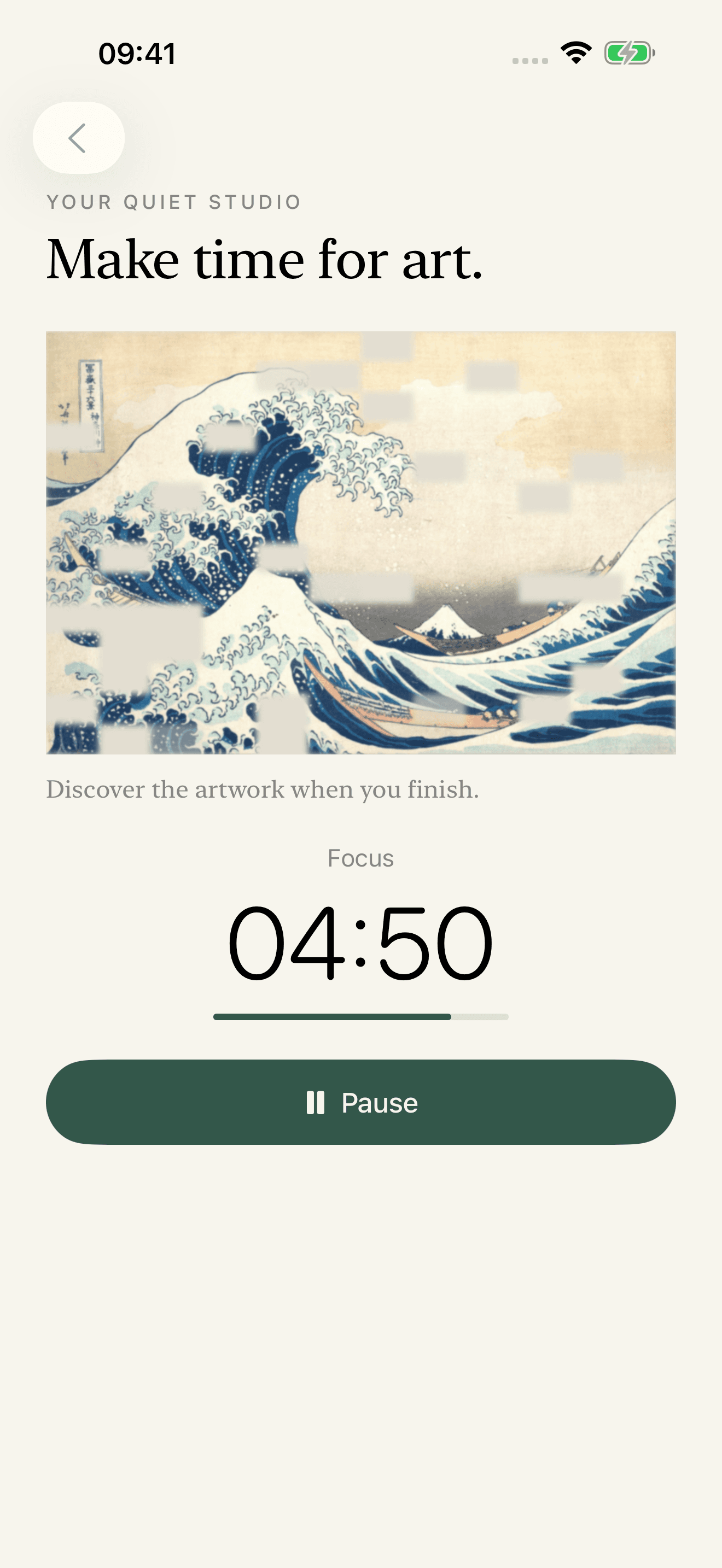
Focus on what matters. As the minutes pass, a masterpiece gradually appears. Complete your session and add it to your personal gallery.
Focus.
Set a focus session and put your phone aside.
Reveal.
Watch a beautiful artwork slowly come into view as you stay focused.
Collect.
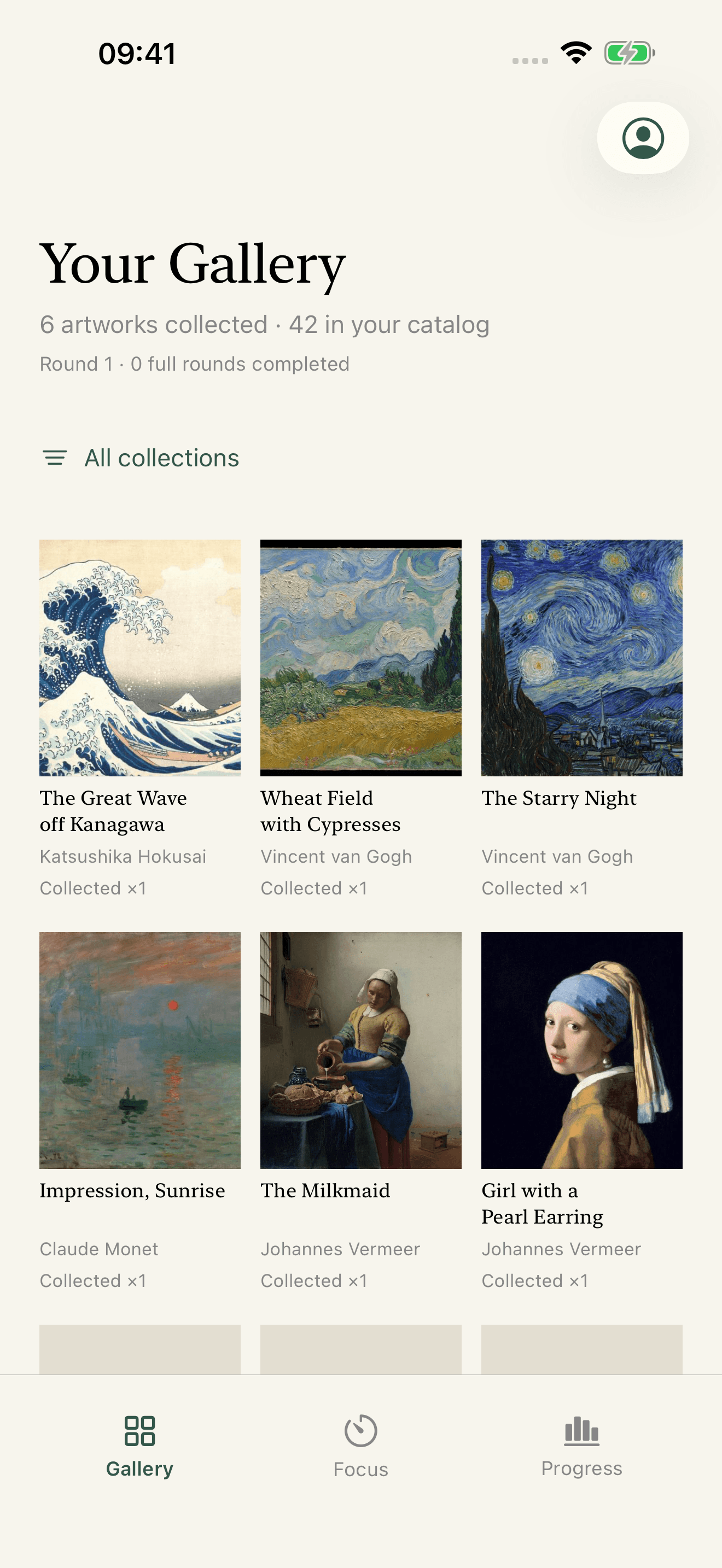
Complete the session and add the artwork to your personal gallery.
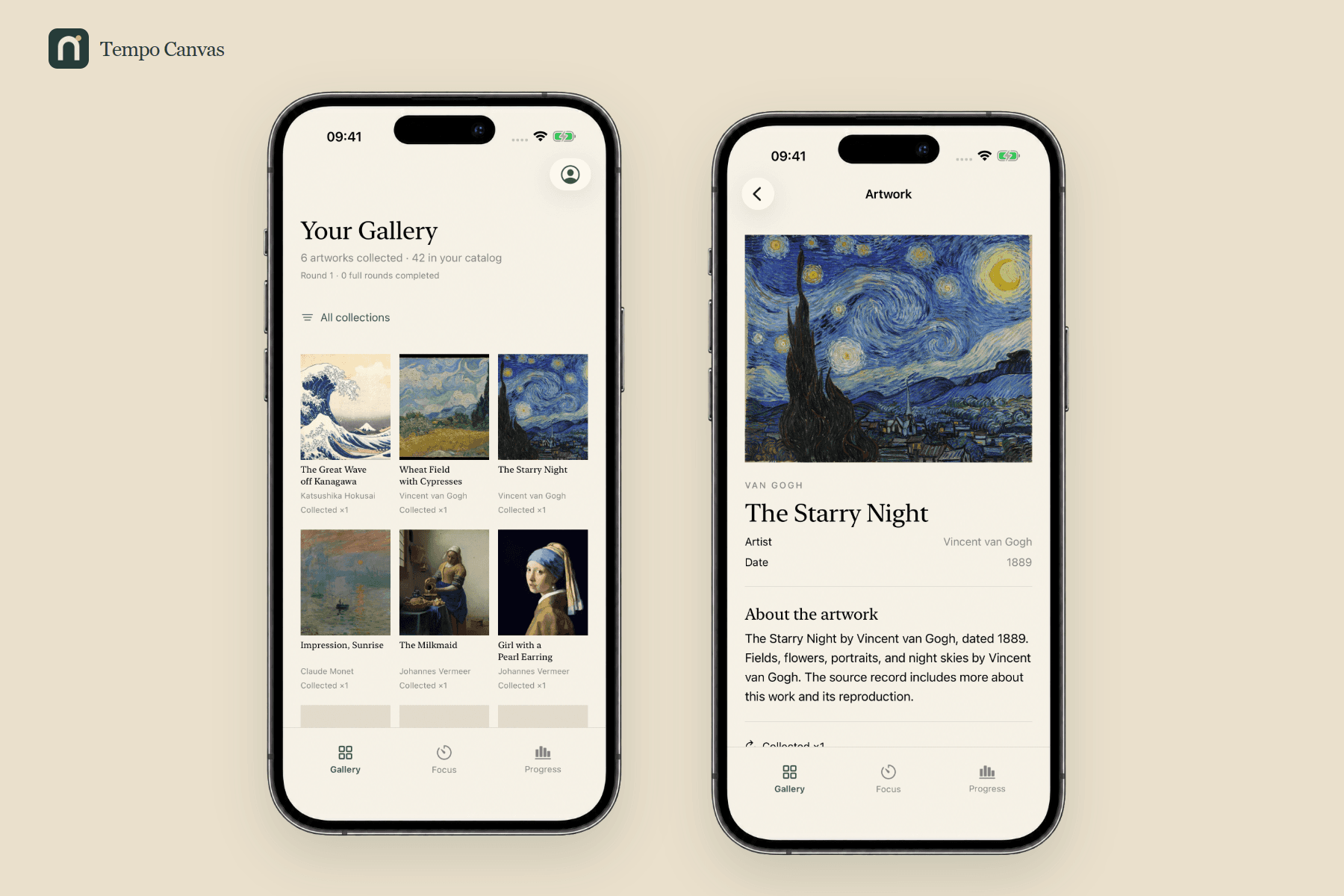
A gallery made of your time.
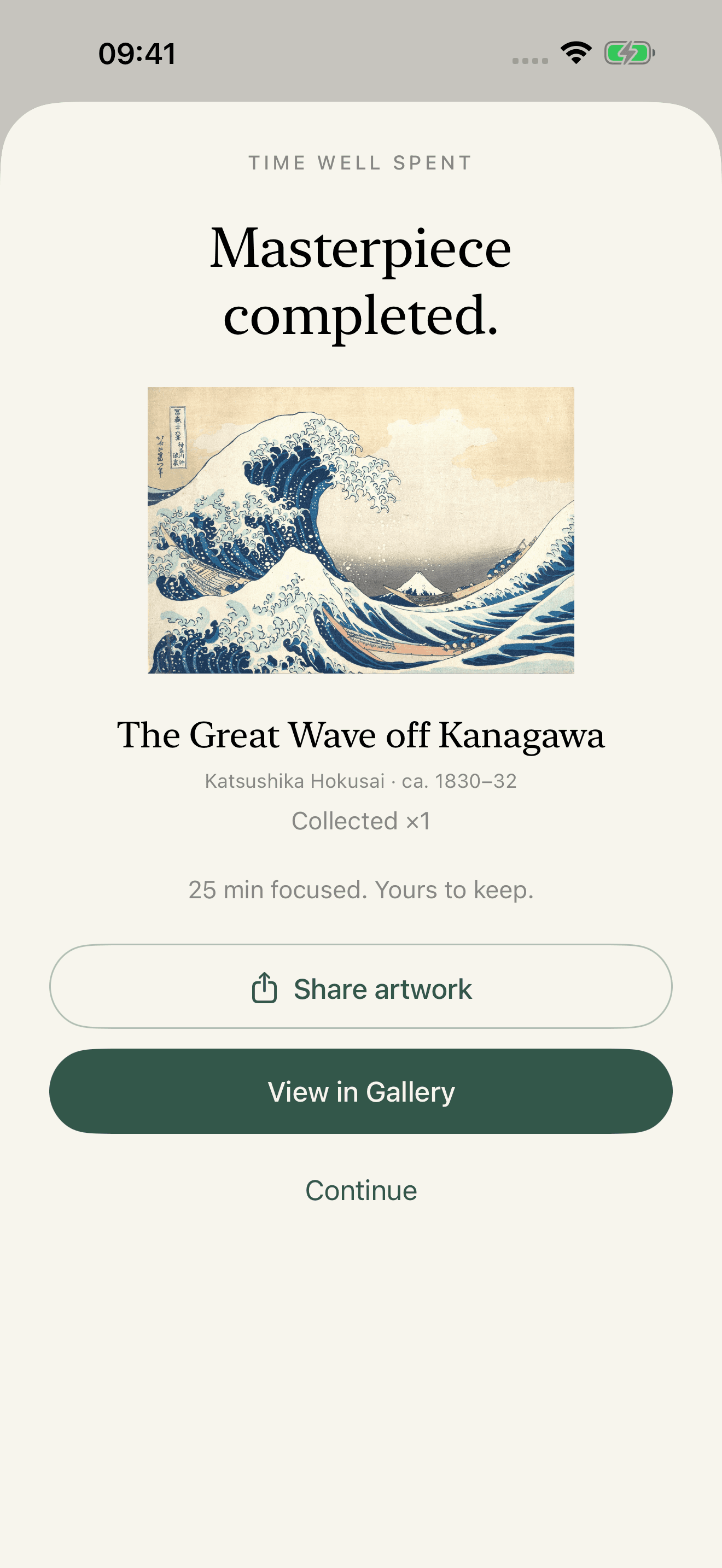
Every work has a story.
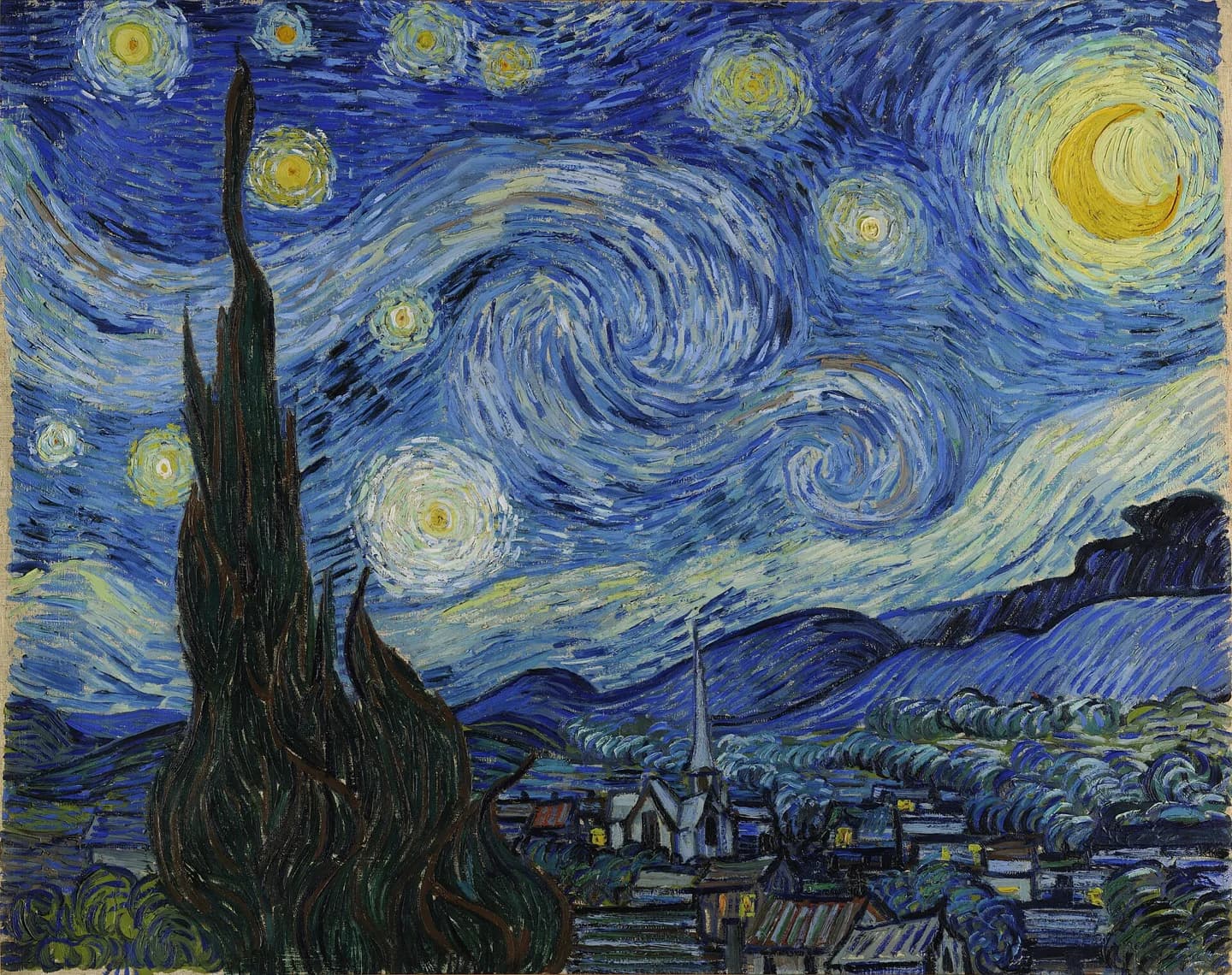
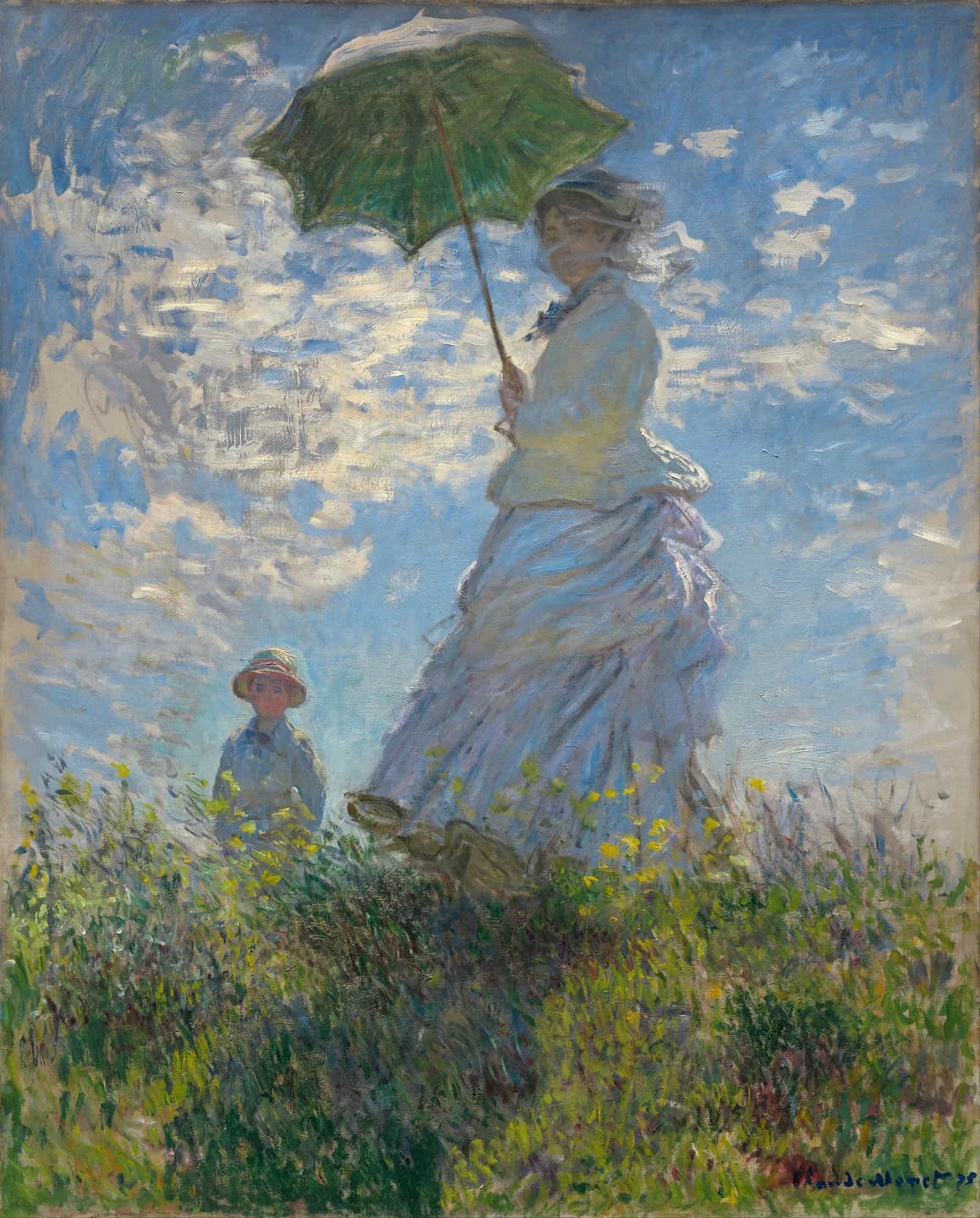
From Hokusai’s waves to Van Gogh’s skies. Look closer at the art in Tempo Canvas, meet the artists, and find a detail you have never noticed.

A quieter way to get started.
A focus timer, made for iPhone.
How does the Pomodoro timer work?
Choose Classic mode for 25 minutes of focus and a five-minute break, or set a custom duration. An artwork gradually reveals as your session progresses. Complete the session to add it to your personal gallery.
Which devices can use Tempo Canvas?
Tempo Canvas is an iPhone app for iOS 17 or later. Download it from the App Store. The website lets you browse the art and read guides; focus sessions run in the iPhone app.
Can I try it for free?
Your first three completed focus sessions are free. A subscription is required to start further focus sessions. Check the App Store for current local prices and any eligible introductory offers.
Does it block distracting apps?
Tempo Canvas is a focus timer with art reveals. To silence notifications, configure iPhone Focus mode separately. Our iPhone Focus guide explains how to pair them.
Can I focus offline?
The timer and already available artwork work offline. Additional artwork images download before a session, then stay cached on your iPhone. Download the work you need while connected before planning an offline session.